Wiki
Custom Icons
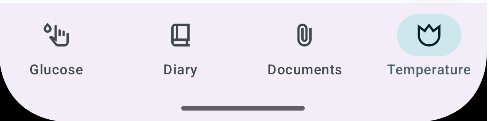
MediLog allows you to set custom icons for whatever you are tracking. Instead of bundling in vast ammounts of icons into the app and thus substantially increasing the size of the application, I decided to offer a quick icon selection process which require the few quick steps outlined here:
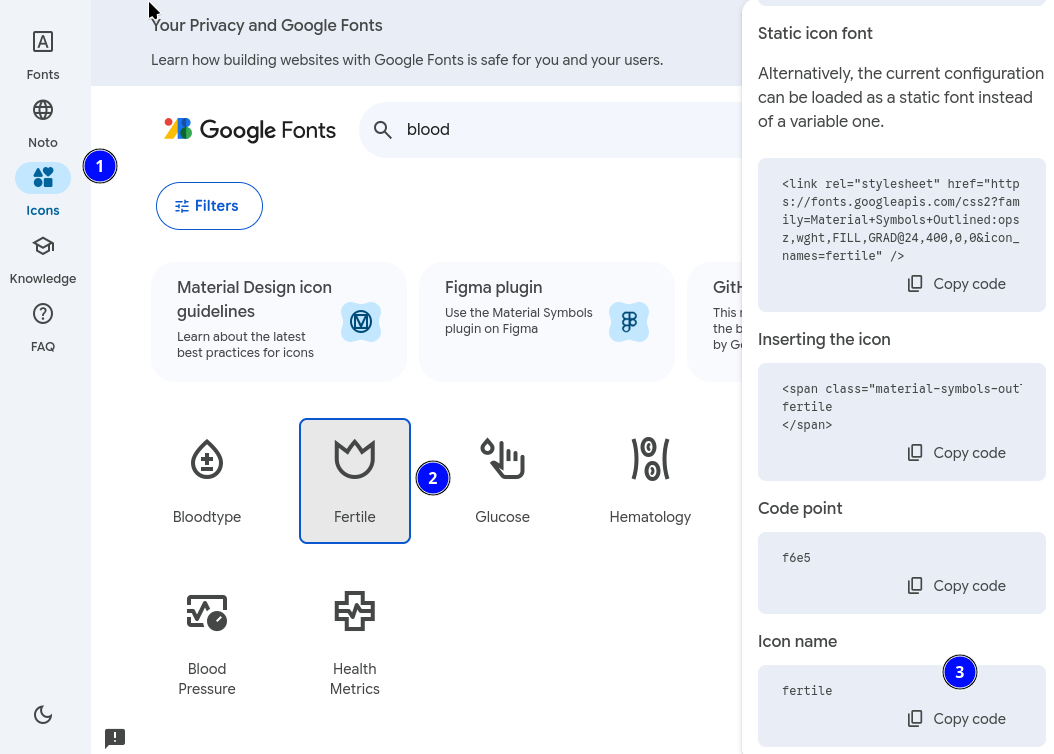
Go to Google Font icons (1)
Once you found a suitable icon (2), scroll all the way to the bottom in the right hand panel until you see “Icon name” (3).
That’s the information MediLog needs!
Inside MediLog go to the settings page of the tab you want to change and copy and paste or manually type the new name in the custom icon setting..
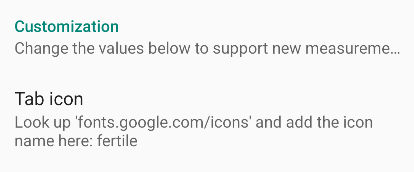
This is it!