Wiki
Pre Release Versions
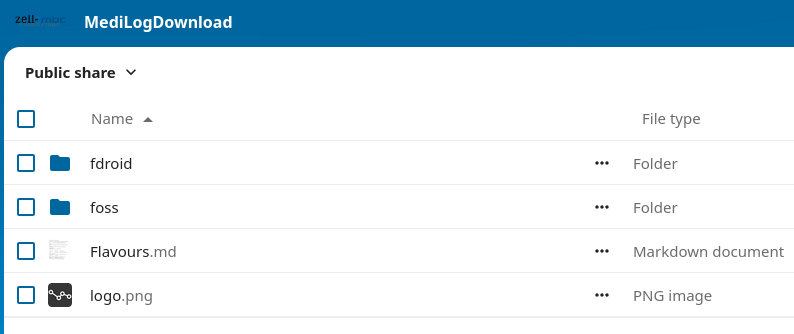
Pre-release version like betas or quick bugfix builds can be found here: MediLog Downloads
Make sure you got a backup of your data before moving any further!
If you are installing a regular MediLog release from a different source, like mine above, you may run into the issue that Android will either tell you that the app can’t be installed, without giving further help, or tell you that the previous app needs to be removed first! Be very careful here, removing means deleting your data!
If you get a warning like this, do not continue, make a back from inside MediLog first!
Beta versions can run in parallel to your existing MediLog installation because they are essentially treated like a different application.
If you want to test with real data, backup your data from your ‘production’ MediLog build and restore into the beta version. That way you are testing the restore process as well.
In short:
- Create a backup
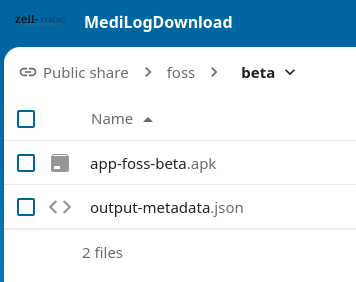
- Install the Beta version from the link above.
- Start the the beta
- Restore your backup
- Test:
- Try to break whatever’s new
- Check if the screens are intuitive
- Any language issues?
- Etc.
You can provide feedback via the usual channels:
- Codeberg repository (prefered)
- Fediverse
